


Image credit: Abondance
A new bookmarklet, GSC Full Render, now enhances Google Search Console’s URL inspection tool by displaying the full rendered page and providing comprehensive link analysis, according to its developer Natzir Turrado.
The tool significantly improves capabilities for SEO professionals by addressing previous limitations where Search Console only showed truncated screenshots and raw HTML, making it difficult to assess complete page rendering.
Turrado developed GSC Full Render to reconstruct the entire rendered page within Search Console’s screenshot tab, utilizing existing HTML data. This allows users to see the full layout and content that Googlebot processes.
The bookmarklet functions for both tested and crawled pages, loading essential resources such as images, stylesheets, and fonts directly through the user’s browser. It also highlights any missing resources with an orange outline, indicating potential issues.
A key feature is a dedicated ‘Links’ button that generates a list of all links present on the page. Users can filter these links by destination, distinguishing between internal and external URLs, and by their rel attribute.
Further filtering options include link explorability, loading state, and the presence of URL anomalies, providing a granular view of a page’s outbound and internal linking structure. The collected link data can also be exported to a CSV file for further analysis.
Turrado noted that while the tool offers substantial improvements, it has certain limitations. It does not execute page scripts, meaning content dependent on scrolling or other user interactions may not fully appear.
Additionally, the bookmarklet cannot check HTTP status codes or redirections for individual links. Users should also be aware that display differences might occur if a server delivers varied content to Googlebot compared to a standard browser, Turrado reported.
Google’s own URL inspection tool previously provided screenshots typically truncated at around 1,750 pixels in height, along with the HTML code, which often fell short of showing a complete visual representation of a page.
Source: Abondance

Written by
Saeed Ashif Ahmed
I’m Saeed, the CTO of Rabbit Rank, with over a decade of experience in Blogging and SEO since 2010. Partner with us to ensure your project is handled with quality and expertise.
Keep reading
Related Articles
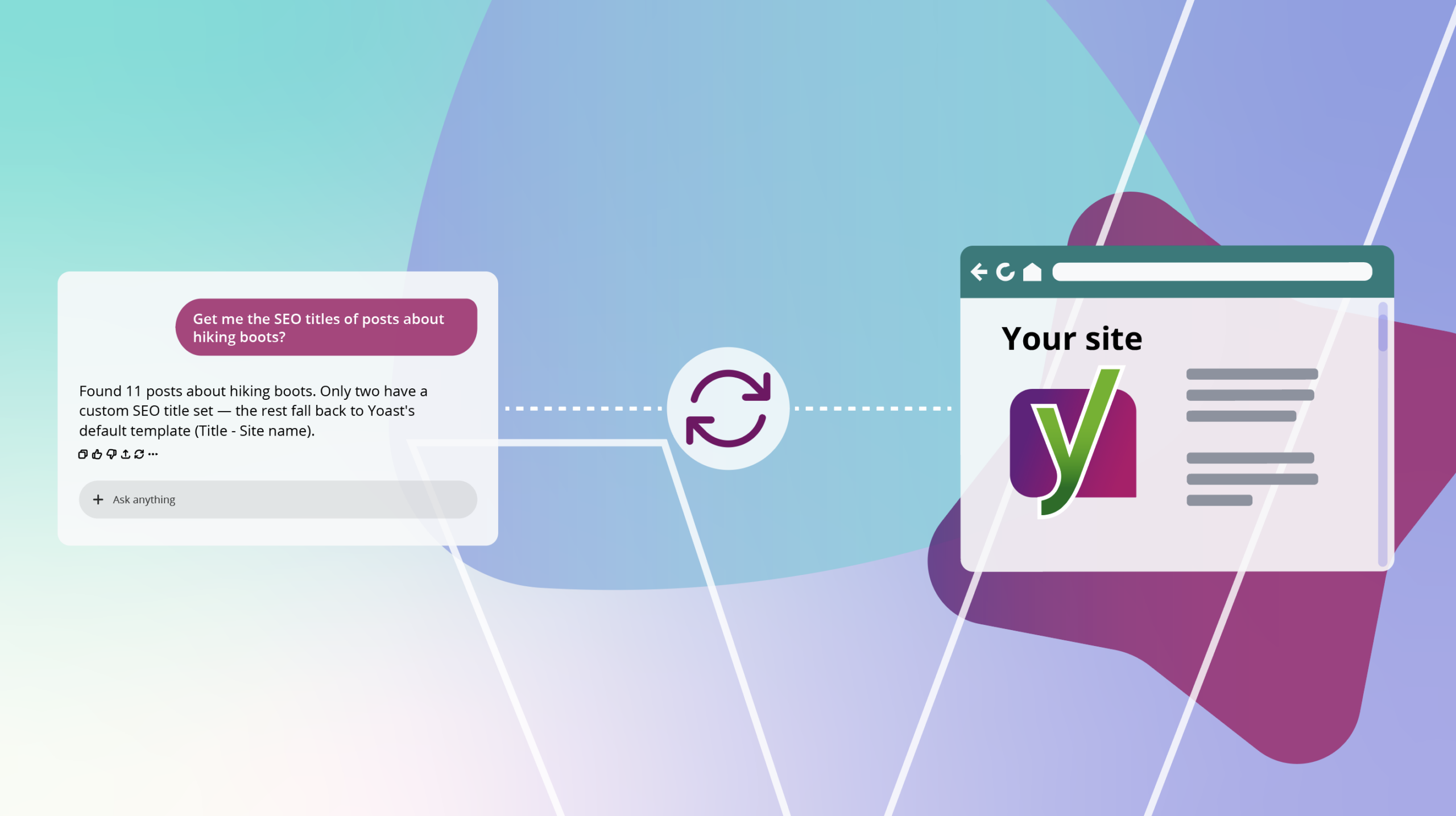
Yoast SEO enables AI to directly update WordPress site settings
Yoast SEO introduces ‘Abilities,’ enabling AI tools to directly read and update technical SEO settings on Word...
HTTP 200 Error Pages Risk Google Deindexing, Incorrect Canonicalization
HTTP 200 error pages can cause Google deindexing and canonicalization issues. Solutions include HTTP 503 statu...

October to host 8 SEO, digital marketing events focusing on AI
Discover the 8 must-attend SEO and digital marketing events in October 2026, featuring AI, GEO, and discounts...