HTML is the basic building blocks of websites. Think of it like the skeleton that holds everything together. When you use the right HTML tags – called semantic HTML – you help Google understand your content better and make it easier for AI tools like ChatGPT to find and use your information.
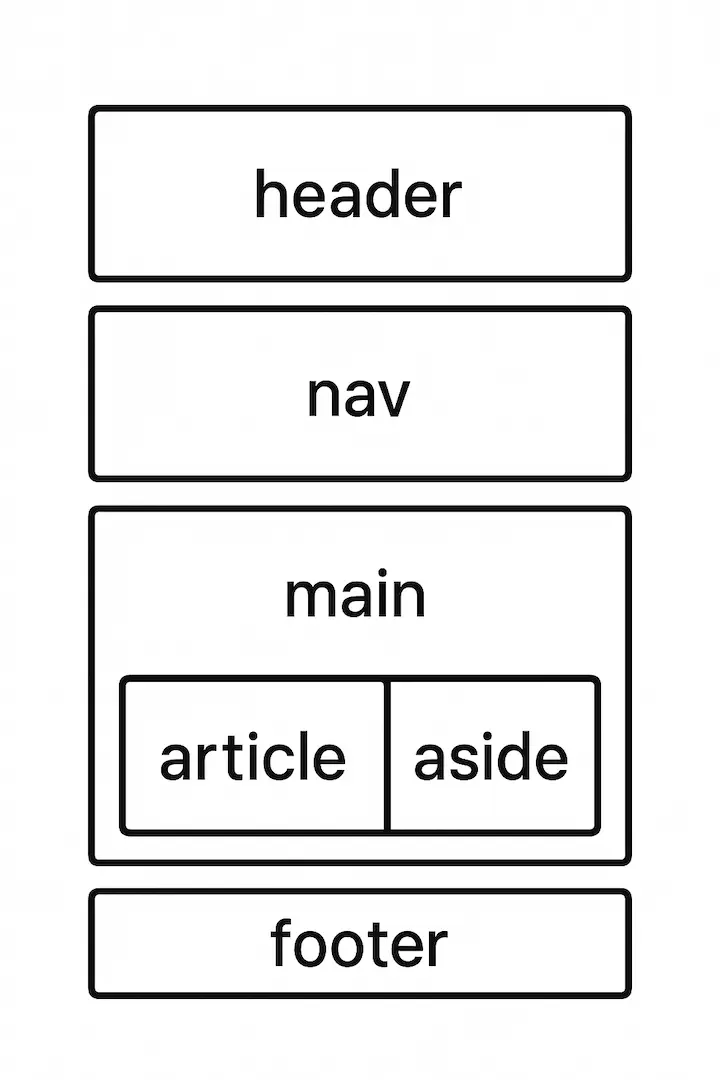
What Is Semantic HTML?
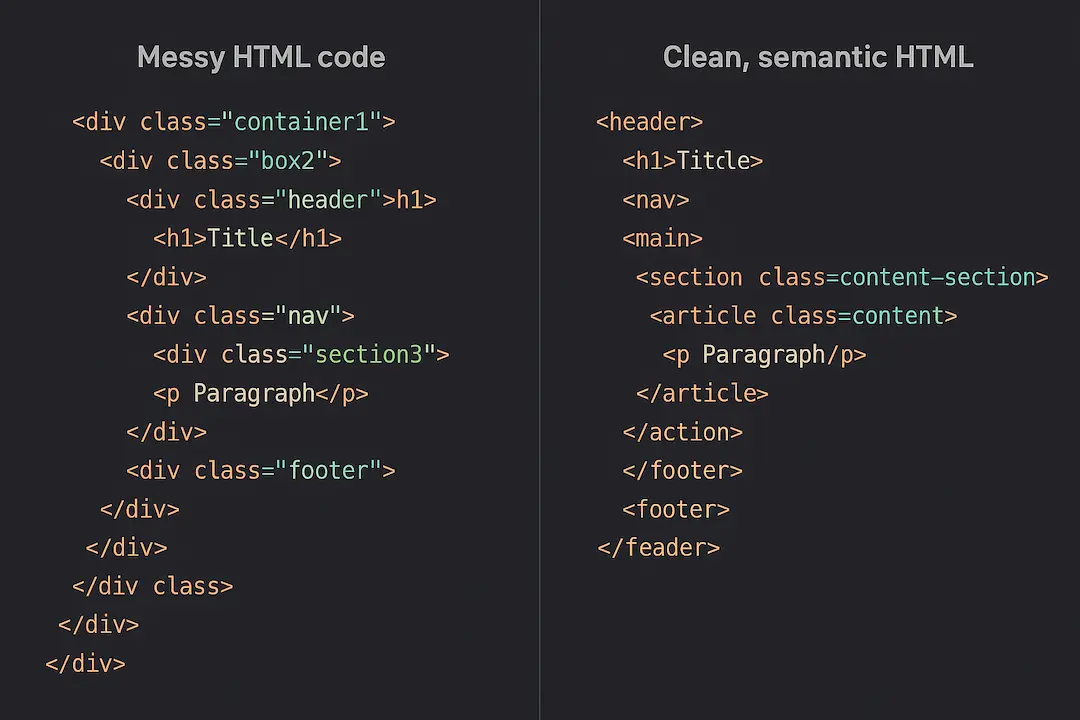
HTML tags are like labels that tell computers what different parts of your webpage are for. For example:
- The
<p>tag wraps around paragraphs - The
<h1>tag marks your main headline - The
<img>tag shows where images go - The
<ul>tag creates bullet point lists
In the early days of the web, people used these proper tags for everything. You could look at a webpage’s code and easily understand what each part was supposed to do.
- See also: The Top 29 Free SEO Tools
But then things got messy. Website builders and fancy coding tools started using generic and tags for everything instead of the proper ones. This made websites look good to people, but computers had a much harder time understanding what anything meant.
Why Google Cares About Good HTML Tags
Google has to work extra hard to understand websites that don’t use proper HTML tags. It has to load and display each webpage completely before it can figure out what the content is about.
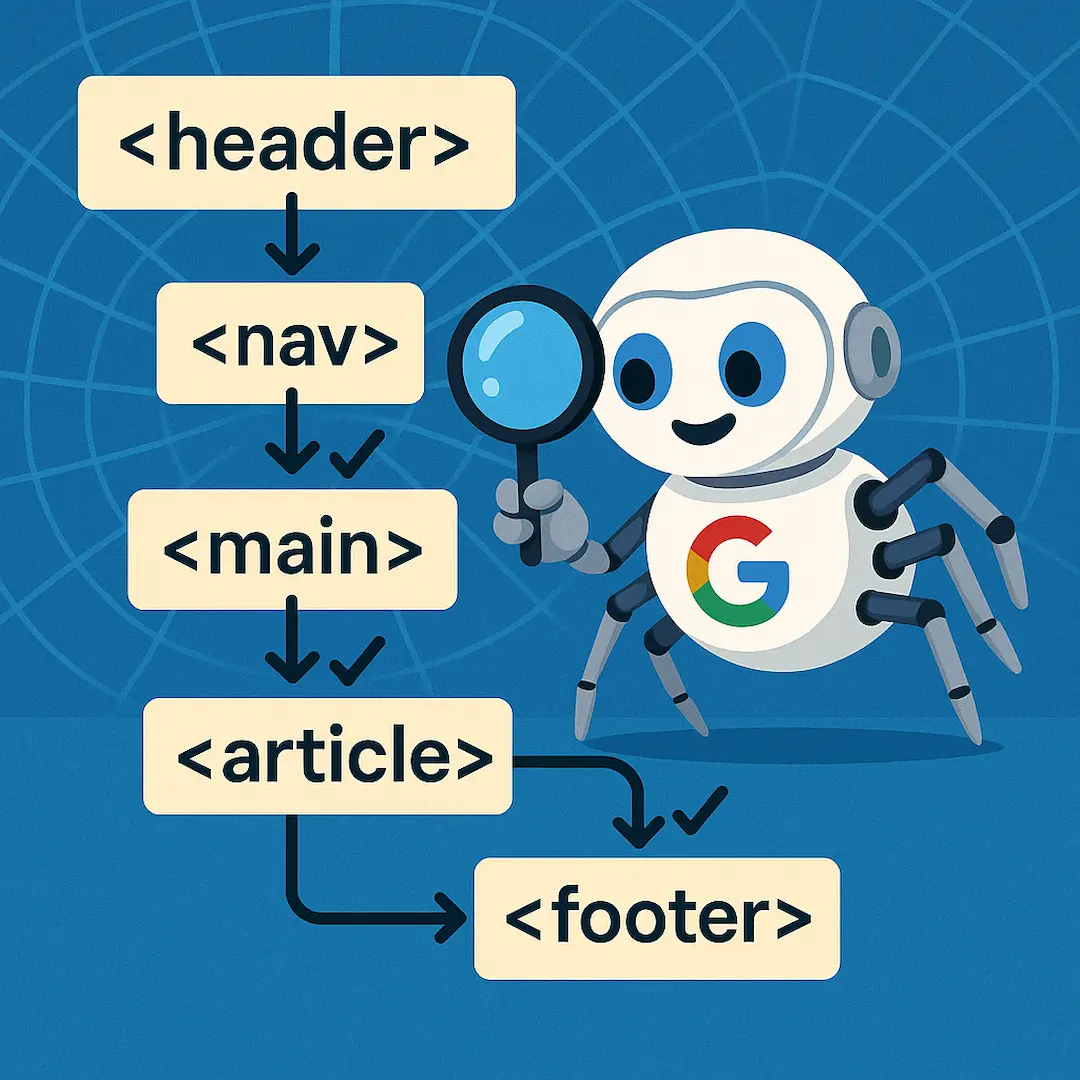
This is especially important for news websites. When breaking news happens, Google needs to rank articles quickly in search results. If your HTML is messy, Google might miss your content or not understand it properly.
- See also: Link Insertion vs Guest Post [Simple Guide with Real Data for Small Businesses]
Using the right tags makes Google’s job easy. When you put your headline in an
tag, Google knows exactly what your article is about right away.
The Most Important HTML Tags to Use
Here are the key tags you should use on your website:
For Your Content:
- Paragraphs: Use
<p>tags for all your paragraphs, not<div>tags - Headlines: Use
<h1>for your main title, then<h2>,<h3>, etc. for subheadings - Images: Always use
<img>tags for pictures you want Google to see - Links: Use
<a>tags with proper web addresses for all clickable links - Lists: Use
<ul>for bullet points and<ol>for numbered lists - Bold and Italic: Use
<strong>for bold text and<em>for italics
For Your Page Structure:
- Header: Use
<header>for your site’s top section with logo and navigation - Navigation: Wrap your main menu in
<nav>tags - Main Content: Use
<article>to show where your main content starts - Sections: Use
<section>to divide your page into different parts - Sidebar: Use
<aside>for sidebars and related content - Footer: Use
<footer>for your page bottom
These tags help Google quickly understand what each part of your website does.
How This Helps AI Tools
AI tools like ChatGPT and Perplexity read websites differently than Google does. They don’t load and display webpages – they just read the raw HTML code.
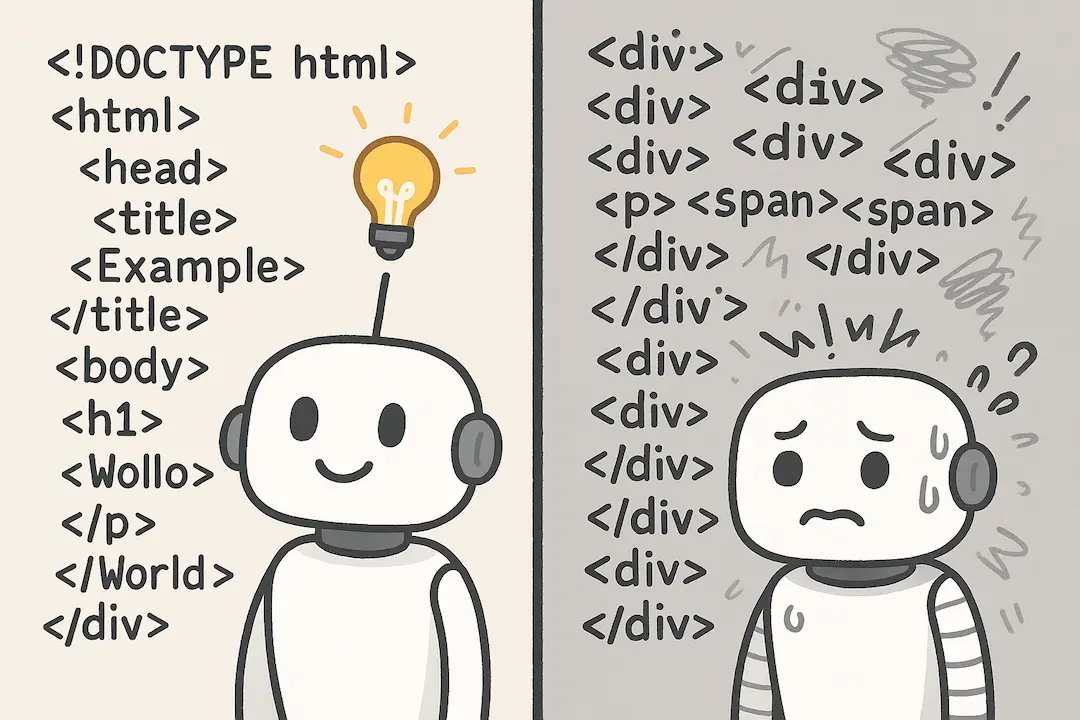
If your website only makes sense when it’s fully loaded in a browser, these AI tools will have trouble understanding your content. But if you use proper HTML tags, AI can easily find and understand your information.
This is important because people increasingly use AI tools to find answers. If you want your content to show up when someone asks ChatGPT a question, you need clean HTML that AI can read.
Good HTML tags also help future AI tools that might browse the web automatically. These tools will work much better with websites that use proper tags for buttons, links, and forms.
What About Structured Data?
You might think structured data (special code that describes your content) has replaced the need for good HTML. But that’s not true.
Structured data and semantic HTML do different jobs. Structured data gives general information about your page, but it can’t tell a computer which specific button does what, or which paragraph follows which heading.
The best approach is to use both structured data AND semantic HTML together. They work as a team to help computers understand your content.
Keep It Simple: Build Websites, Not Apps
Many modern websites are built like mobile apps, which makes them harder for search engines and AI to understand. Simple websites built with proper HTML work much better.
When you use all the HTML tags that were designed for different purposes, you avoid most of the technical problems that hurt your search rankings.
The key takeaway is simple: use the right HTML tag for each part of your content. It helps Google rank you better, makes your content accessible to AI tools, and creates a better experience for everyone who visits your website.